ReviewDeck docs
How to do each thing in ReviewDeck. Most how-tos come with a short clip of the app doing it, and clicking a step plays the clip from there.
New to ReviewDeck?
Make a library, add your first review, leave a note on it and bring your team in. About five minutes.
Start here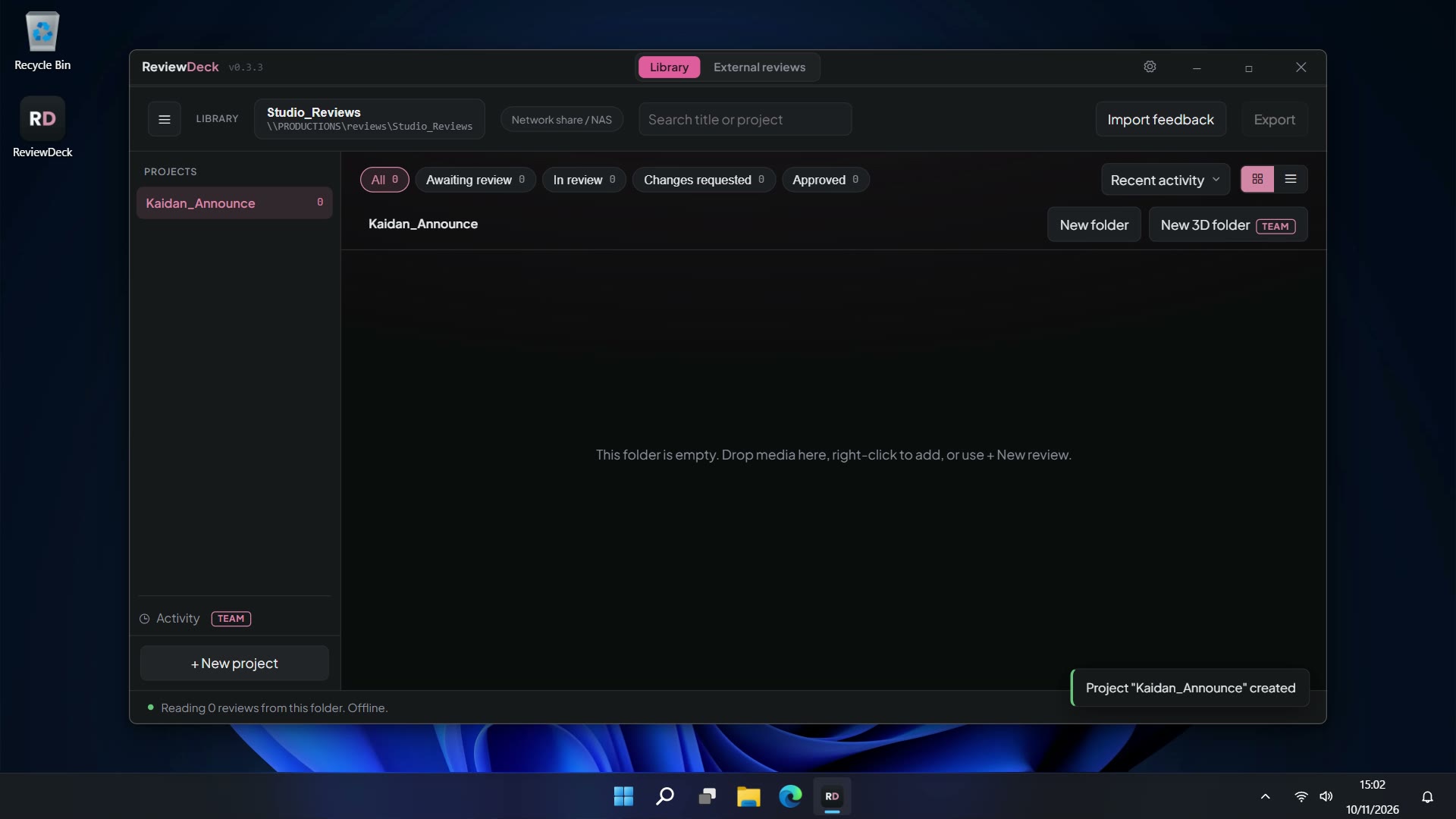
Reviewing
Notes, drawings, ranges, replies, the review's status and moving between reviews.
Versions
Stack v1, v2, v3 on one review. Each keeps its own notes.
Stills, sequences and audio
Zoom into a still, bring in a folder of frames, note a moment in a mix.
Sound
A sound kept exactly as delivered, its stems, two versions compared by ear, and a sound played against its picture.
3D review
Meshes and splats in a real viewport. Draw in 3D, and a note can keep the view it was written from.
Working as a team
One library on a shared drive, a cloud drive or in version control. Everyone's notes on one timeline.
Sending work out
One file for someone outside the library, and their notes coming back.
Exporting notes
A PDF of every note with its picture, markers for your editor, or a CSV.
Team and Studio
Your name on what you send, admin tools, watermarks and the drop folder.
- Add your licence
- BrandingTeam
- Admin toolsTeam
- WatermarksStudio
- The drop folderStudio
Settings
Your name and colour, the colour themes, drawing settings, usage counts.
Someone sent you a review file? You don't need the app or these docs. It opens in your browser, phones included.
How to open a review fileCan't find something, or a page is out of date? Email [email protected].